

Ops + Customer Teams
Best for
Collaboration Layer
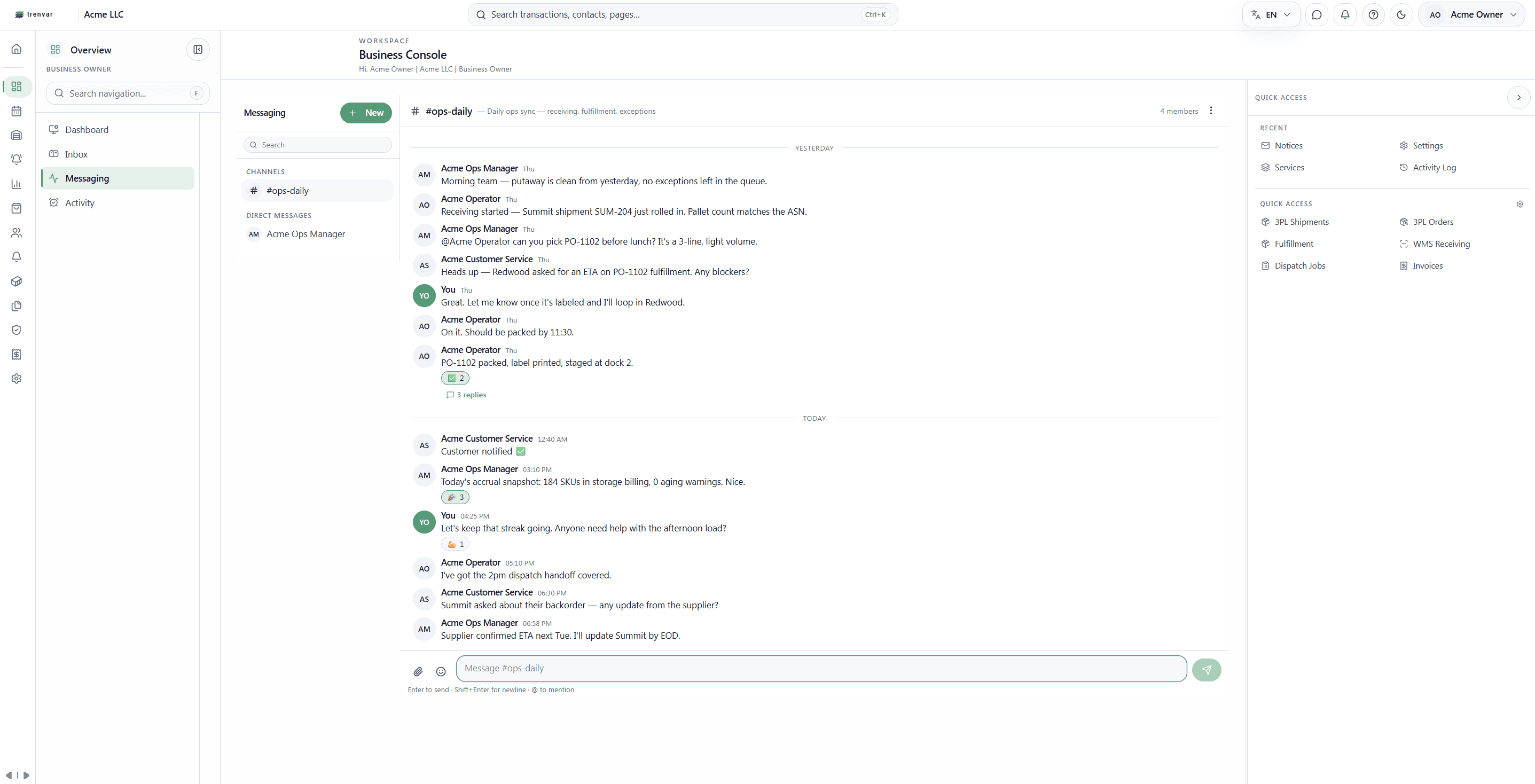
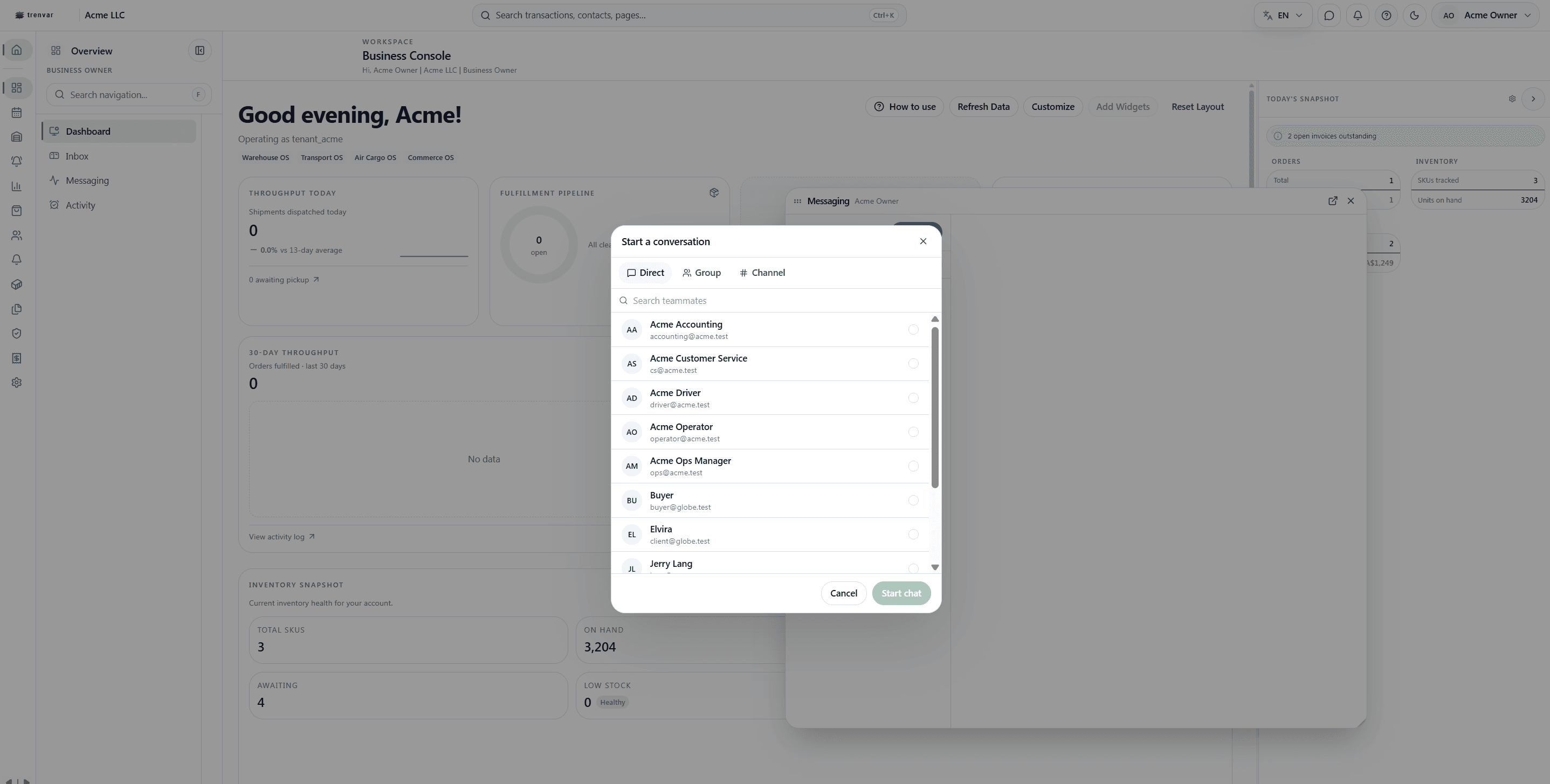
Trenvar ships with a full collaboration stack: channels, DMs, threads, mentions, and a direct chat line between your customers and your operations team. One platform, one conversation thread, one audit trail.
The Customer Channel
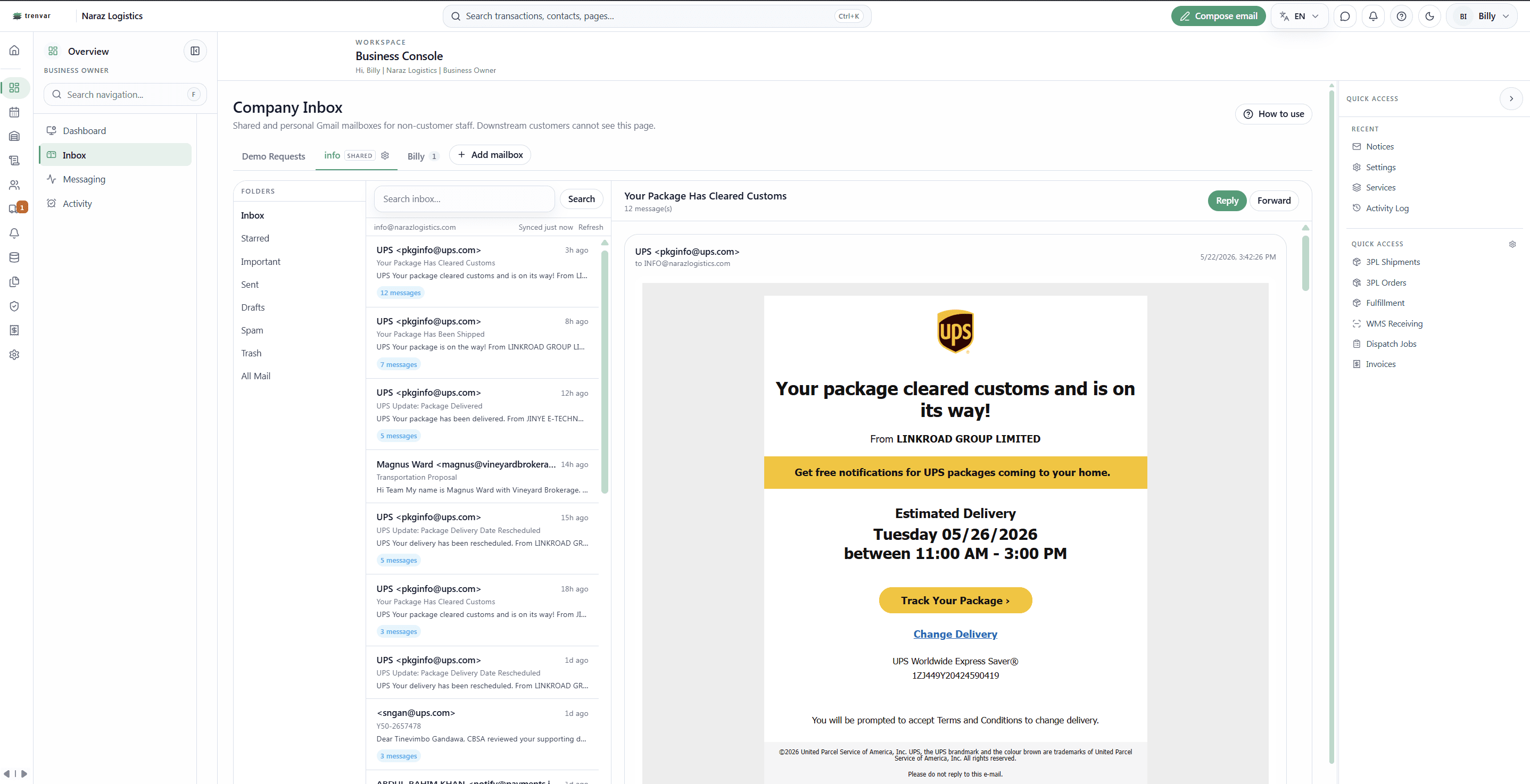
Downstream customers — 3PL clients, buyers, air-cargo shippers — open messaging from their portal and reach your operations team directly. No outside chat tool, no email back-and-forth, no lost context. Every conversation is tied to the same workspace as the orders it concerns.
Customer Portal · DM · Your Team
Ops + Customer Teams
Best for
One Conversation Layer
Core outcome
Team + Customers + Vendors
Coverage
Replaces 3rd-party chat
Operational fit
Stop paying for a separate chat tool just to talk to your customers.
When messaging lives inside the platform, every conversation carries the role boundaries, audit log, and customer scope you already trust. No new vendor. No new audit gap.
Inside the Collaboration Layer
A real team chat product wired into your workflow data — not a bolted-on widget.
Your downstream customers reach your operations team inside the same platform they already use for orders, inventory, and invoices. No extra Intercom seat. No separate inbox.
Run team operations conversations on the same data layer as your shipments. Channels for departments, DMs for individuals, threads for focused replies — without leaving the workflow.
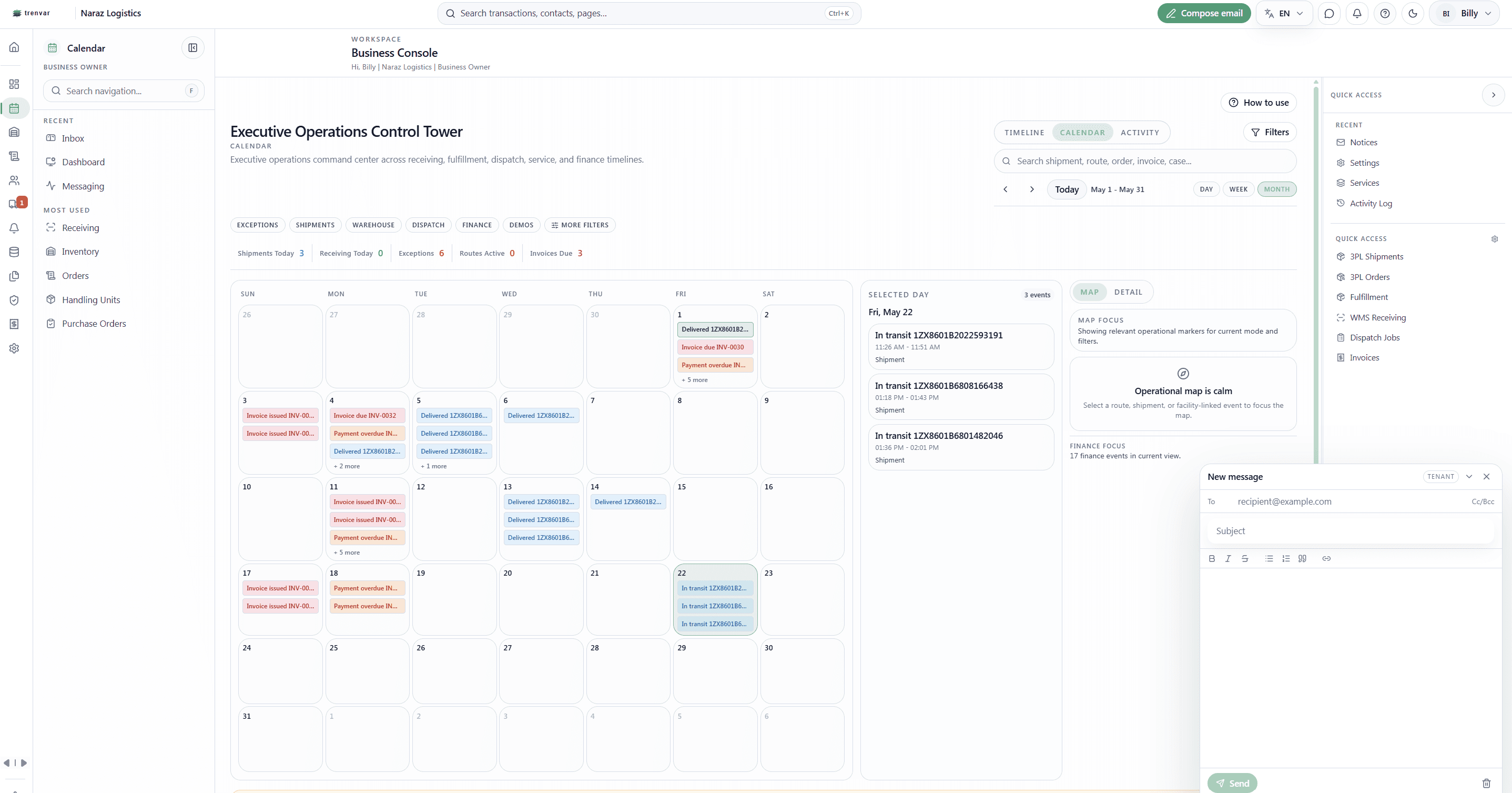
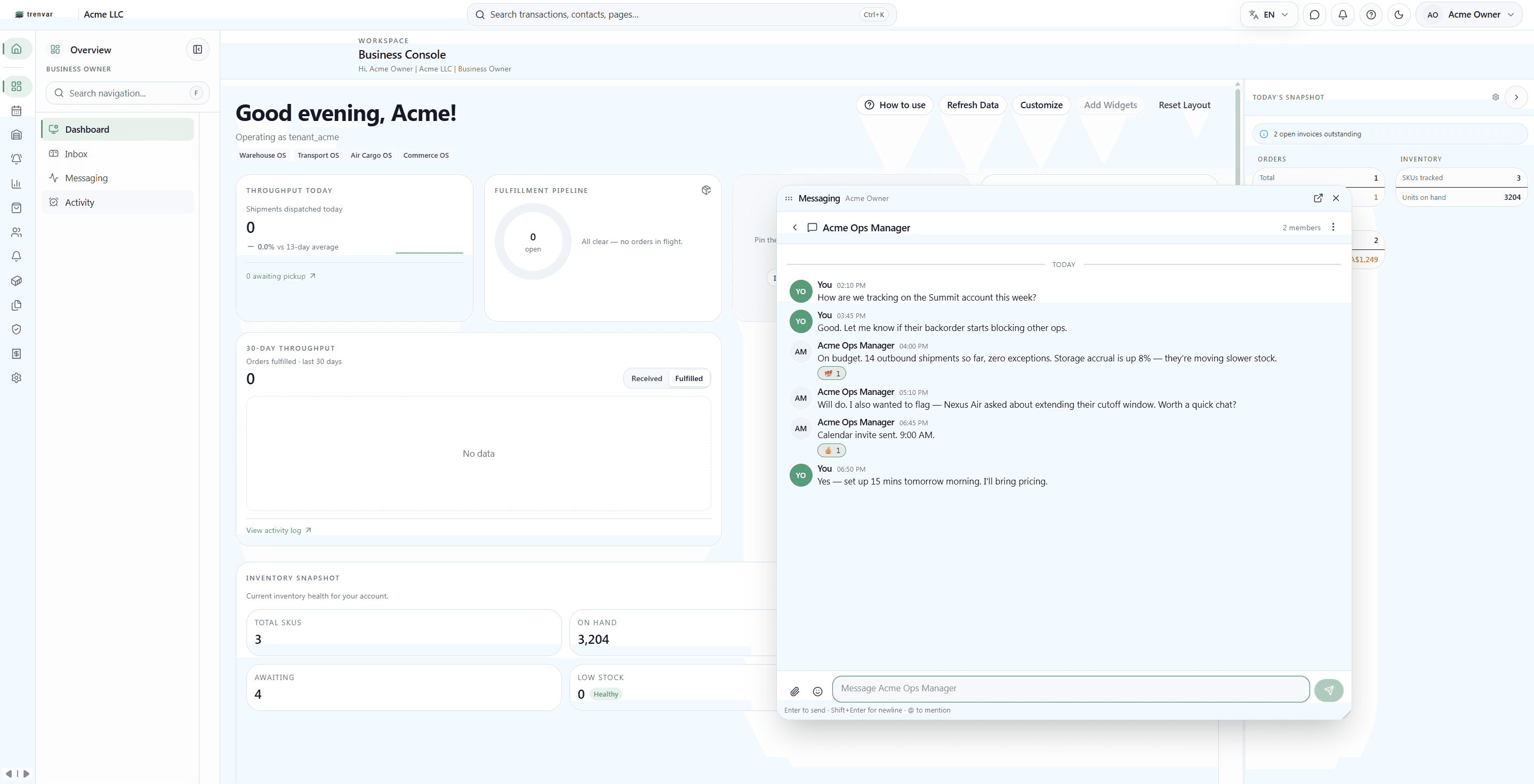
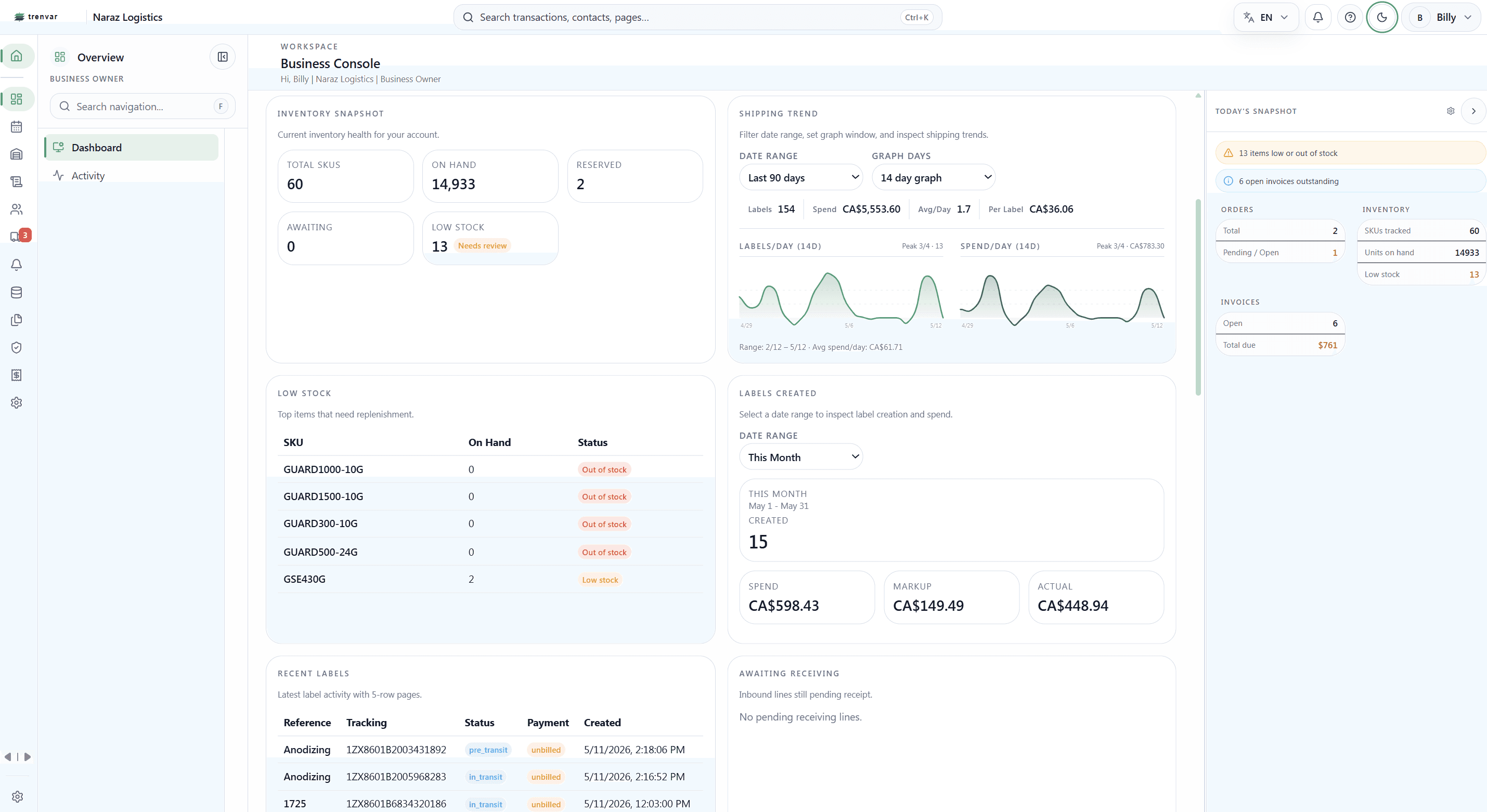
The messaging window floats over any module — WMS, dispatch, billing — so an operator can answer a customer question while keeping the order on screen. Drag it anywhere. It stays open across page navigations.
Floor Productivity
A driver runs late. The customer asks about a delivery. An invoice line looks off. With messaging that floats over the work, your team handles the question while the relevant order, shipment, or invoice is still on screen.
We'll walk through the customer-to-team chat flow with your team — including how it replaces a separate Intercom/Front/Slack-Connect setup.
No credit card required · Go live in under 48 hours